Product Estimating Features and Notes
Overview
The Estimating model in BOS Professional captures a product specification which reduces the skill level required to complete an estimate.
The code for the Product Estimate type is EPD.
Features
- Unlimited Quantities
- Detailed, transparent costs for each component with override capability
- Cost Summary (e.g. Material, Services, Outwork, Direct Cost)
- Description generator
- Templates for frequently used Estimates
Notes
- Substrate - Reels:
- Prices can be in metres (m) or square metres (sq.m).
- The quantity (Qty) is calculated in running metres (even if the full width is not used).
- It is assumed that the width of the Reel in the costing can be printed on all machines linked to the same product.
- The Weight for Substrates is calculated in the estimate.
- Substrate - Sheets:
- Prices can be for each (ea) or square metres (sq.m).
- Qty is calculated as the number of full sheets required. (Part Sheets are rounded up to full sheets.)
- If the unit is ea, it is assumed that the sheet size in the costing can be printed on all the machines linked to the same product.
- The Weight for Substrates is calculated in the estimate.
- Substrate Size is the Work Size:
- Costings convert Substrates into standard Work Sizes.
- Materials:
- The Round Up field in Materials is applied to Costings (e.g. sq.m).
- For example, if the Round Up Qty = 1, the Material Qty is rounded up to the nearest square metre.
- If the Round Up Qty is blank, the Material Qty is not rounded.
- Product Estimating:
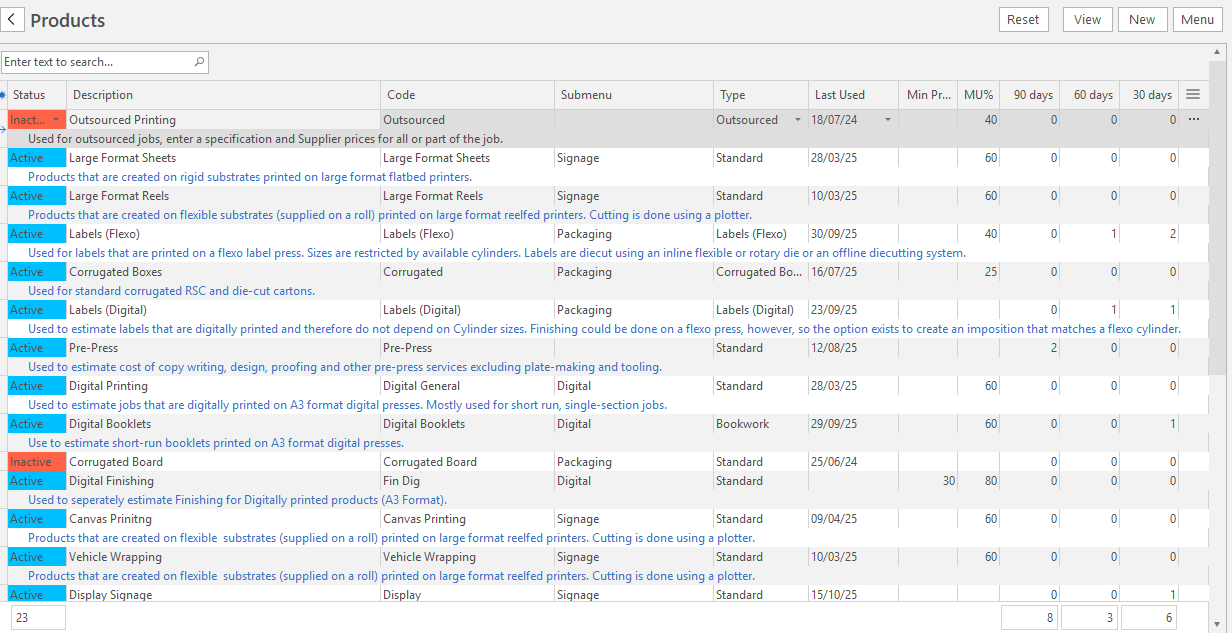
- A Note field explains what the Estimate Type is used for.
- Click Menu (button) > Show Notes to display the notes in List View (Main Menu > Setup > Products > Menu (button) > Show Notes).