Calculators

BOS Professional includes three calculators with specific functions.

To open a calculator, click Menu (button) and select one of these options:

  • Quantity Out by Area
  • Convert to Setup + Unit Cost
  • Convert to Setup + Unit Qty
Navigation

Main Menu > Home > Calculator

Examples

The amounts used are random.
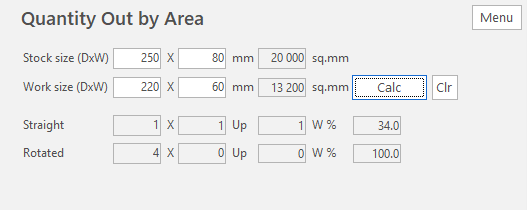
Quantity Out by Area calculator, showing the stock and work sizes and how many fit straight and rotated
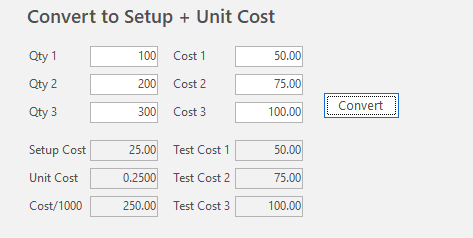
Convert to Setup + Unit Cost calculator, showing three quantities and costs converted to a setup cost and unit cost
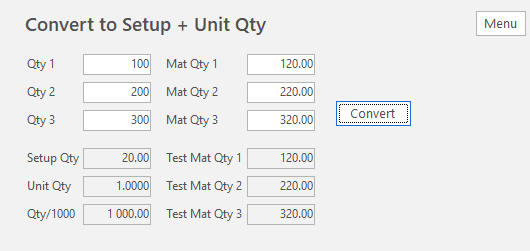
Convert to Setup + Unit Qty calculator, showing three quantities and material quantities converted to a setup quantity and unit quantity

Report an issue with this page

For more useful feedback, select the text on the page you're reporting about, then click Feedback again — or continue without selecting anything.